| Category | Filters |
| Channels | Mono in / mono out |
| Version | 1.0 (03/06/2026) |
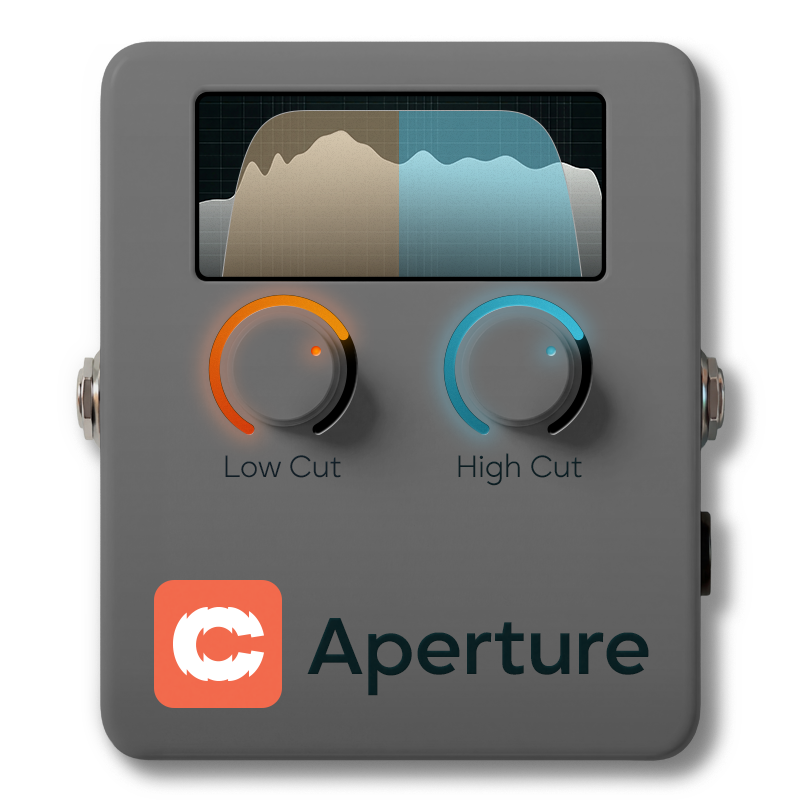
A transparent low cut (high-pass) and high cut (low-pass) paired in a single block, with emphasis cut and boost and an optional touch of tape on the output. The two filters tame rumble and smooth the top end with five selectable slopes each — off, 12, 24, 36 or 48 dB/oct. Emphasis adds musical body or air around each corner, and Warmth contributes subtle, level-compensated tape character on the way out.

Page 1 of 2

Page 2 of 2

Standard Anagram block bypass. Engaging it short-circuits the filters, Emphasis bells, Warmth and output trim, crossfading cleanly so you can A/B without clicks.
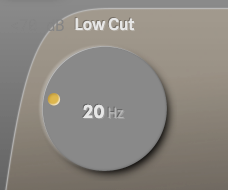
Where the low cut starts. Below this frequency, content rolls off at the slope you've picked. Push it up to remove rumble and tighten the bottom on a DI, or further still for parallel high-pass tricks where you want a thin, midrange-only voice sitting over a sub layer.
The named scale points line up with the open bass strings — B (30.87 Hz), E (41.20 Hz), A (55.00 Hz), D (73.42 Hz), G (98.00 Hz) — handy reference points when you're cutting just below the fundamental of the lowest note you play.
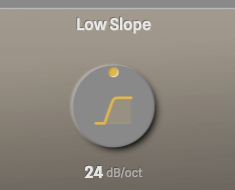
How steeply the low cut rolls off.
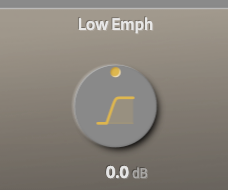
Voicing for the low corner. Negative scoops a small dip just above the cutoff — a body-cut that helps a bass sit in a busy mix without thinning the note. Positive blooms the low end — useful when you've cut more than you wanted and need to restore some weight.
It's a proportional-Q bell positioned away from the corner, so cuts read as a clean body scoop rather than a second roll-off. Emphasis stays active even with HPF Slope set to Off, so this knob doubles as a standalone low-end shaping bell.
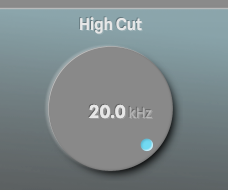
Where the high cut starts. Above this frequency, content rolls off. Drop it to tame fizz from distortion or finger noise from aggressive playing; drop it further for dub-style sub-only filtering. Keep it high (near 20 kHz) for a near-transparent top end.
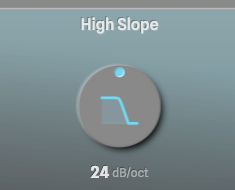
How steeply the high cut rolls off.
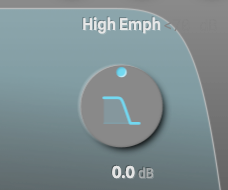
Voicing for the high corner. Negative tames the upper midrange just below the cutoff — useful when the top still feels harsh after the cut. Positive adds air above the cutoff — the gentle high-end lift you'd reach for on a DI that's a little dark.
Like its low-end counterpart, it's a proportional-Q bell offset from the corner, so it shapes tone musically rather than introducing a resonant peak. Active even with LPF Slope set to Off.
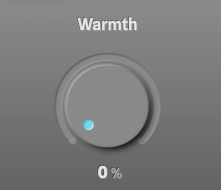
Subtle tape-style saturation on the output. At zero the path is exactly clean — bit-identical to bypass with the filters flat. Turn it up and you get gentle harmonic thickening and sweetening, the sound of mixing into a touch of tape.
The saturation is anti-aliased (ADAA) and level-compensated, so Warmth changes tone without lifting the output. Peaks compress gently as the saturation engages, rather than jumping into clipping. Useful at 20–40 % on a DI for analogue grain; further up for more obvious character.
Flips the output polarity 180°. Useful for matching phase against a parallel chain or DI, or for testing whether a mix issue is actually a polarity problem.
Final output trim, applied after the filters and Warmth. Use it to make up level after heavy filtering, or to pad down a hot DI before the next block. At 0 dB the plugin runs unity at any Warmth setting — the saturation only ever compresses peaks, never lifts them — so this knob is purely for staging.