Support
Everything you need to try, buy, install, and get the most out of Cognate blocks on your Darkglass Anagram.
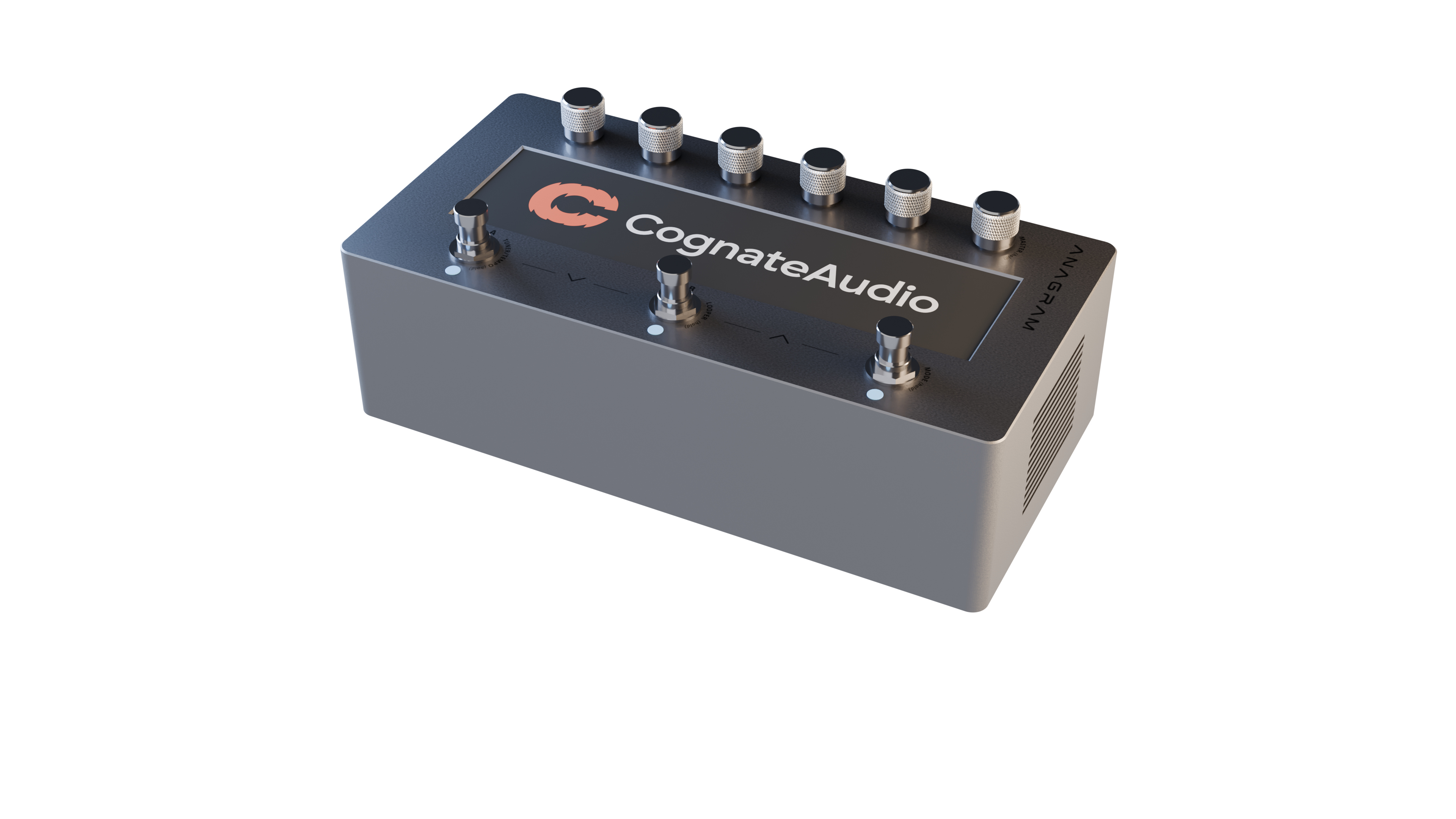
Everything you need to try, buy, install, and get the most out of Cognate blocks on your Darkglass Anagram.
Open the Anagram Marketplace Cognate Audio vendor page. Every block has a free trial — load it on your Anagram and play.
When you're ready, buy directly from the Marketplace listing. Cognate Metro is free; the rest are one-off purchases — no subscriptions, yours forever.
Check that your Anagram is registered on the MyPedal website. Try or Buy a block and click Add to Library. Log in to Darkglass Suite with Anagram connected - you should be prompted to sync your new plugin. Drop it into any preset.
All our blocks are available exclusively on the Anagram Marketplace.
Yes. Cognate blocks are designed specifically for the Darkglass Anagram effects processor. They aren't available as VST/AU/AAX plugins currently.
Bass-first means bass isn't an afterthought — but it doesn't mean bass-only. Most of our blocks sound great on guitar too: Bitcrush, Ringmod, Hologram, Pultrick and Kinetic all work happily across the full string-instrument range. Cognate Metro is universal by design. Cognate Chord is the one block that's specifically a bass-practice tool, but you'll find guitarists using it too. Try anything you like with the free Marketplace trial.
Our blocks should run on most recent versions, but we always recommend using the latest KosmOS release. You can update via the Darkglass Suite.
Yes. Every block has a free trial on the Anagram Marketplace — load it on your Anagram and try it for yourself. In trial mode, blocks will become silent for 5 seconds every 30 seconds.
Yes — preset compatibility is a hard guarantee. We don't change parameter ranges, defaults or behaviour in ways that would invalidate a saved preset. If we ever need to make a breaking change, we'd ship it as a new block rather than overwrite the existing one.
Purchases and refunds are handled by the Anagram Marketplace. See their support pages for the current refund policy.
Check that your Anagram is registered on the MyPedal website. On the Marketplace, Log In with the same email address and check that the block appears in your Library. Then start Darkglass Suite with Anagram connected, and log in with the same email address. You should be prompted to install any plugins you have purchesed, and you can manage your plugins in the Assets tab. Check for the block in the category matching the one on the Anagram Marketplace. If it's still missing, get in touch with Darkglass Support.
We love hearing block ideas. Drop us a feature request via the contact form — even if we don't end up making it ourselves, it helps us understand what bassists actually want.
Check that you are signed into Anagram Marketplace and Darkglass Suite with the same email address. Once signed in, Darkglass Suite should prompt you to install your block.
In trial mode, any block will become silent for 5 seconds every 30 seconds. This will affect the entire signal chain, regardless of block Bypass settings.
Anagram can support many blocks running simultaneously but some blocks consume more CPU resources than others. NAM loader blocks in particular can use more CPU resources depending on how they were captured. As a result, it's not possible to guarantee that all Anagram blocks can run simultaneously. If you see a red DSP Overload warning, you should try to simplify the signal chain by removing or bypassing some blocks. We work hard to optimise and streamline our blocks to use as little CPU as possible. We publish our blocks' CPU usage on this website.
Make sure you're on the latest version of the block. Sync your Anagram to Darkglass Suite to install any updated versions of the block, and update KosmOS. If that doesn't work, tell us and we'll dig in.
Open the block from your signal chain. Tap the three dots icon and choose "Restore factory default state".
Full reference for every Cognate block — parameters, use cases and tips.
If your question isn't answered here, drop us a line and we'll get back to you.
Contact us Visit Cognate on the Anagram Marketplace