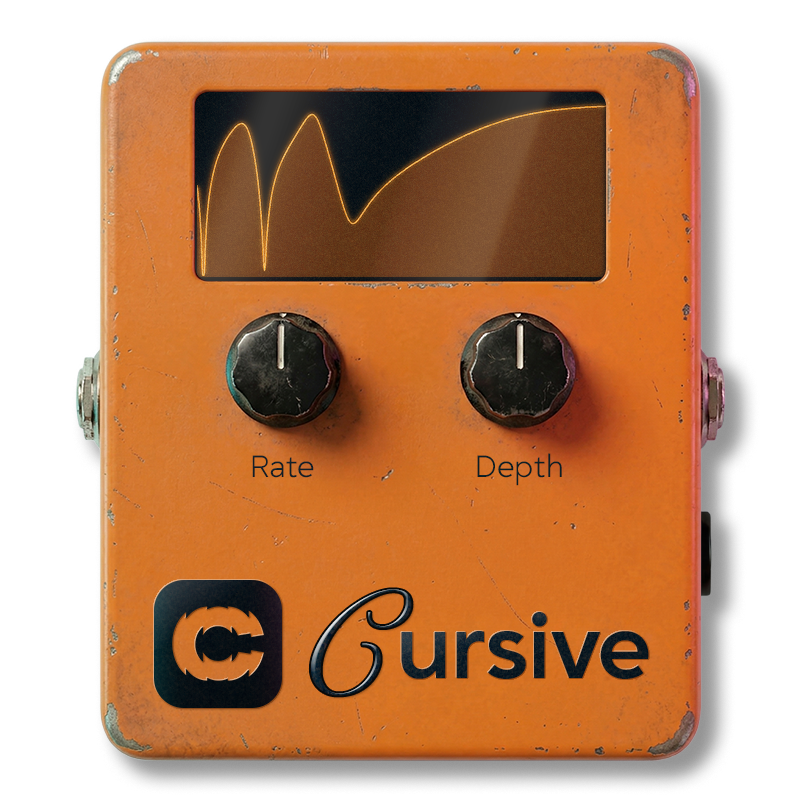
Modulation & Pitch
Cognate Cursive Manual
Version v1.00 · 01/10/2026
| Category | Modulation & Pitch |
| Channels | Stereo in / stereo out |
| Version | 1.00 (01/10/2026) |
Cognate Cursive is a phaser built from a circuit-level model of the classic four-stage JFET phaser — the little orange box that has been on pedalboards since the seventies. The all-pass stages, the transistors that sweep them and the feedback path are all modelled, so the notches move the way the original does. Then it opens the circuit up: two to sixteen stages, resonant Feedback, five modulation Shapes including a note-triggered envelope and an endless barber-pole, and Stereo modes with a crossover that keeps your low end solid while the sweep lives in the mids and top.

Full panel layout

Turns off the phaser and passes your bass straight through. Both channels pass untouched, so Cursive can sit after a stereo block without collapsing it. The plugin stays in your preset, so you can switch the effect in and out without reloading anything.
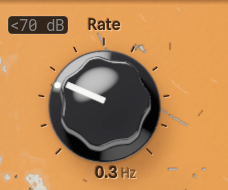
Speed of the sweep. In Triangle, Stepped, Ramp and Barber it is the cycle rate: 0.3 Hz is one sweep roughly every three seconds, 8 Hz is a fast wobble. Above 1 Hz the sweep narrows progressively (to about a third of its full width at 8 Hz) so fast settings stay musical rather than seasick.
In Envelope mode there is no cycle. Rate sets the character of each triggered sweep instead: slow settings give a long swell and release, fast settings give a quick pluck that opens and closes within the note.
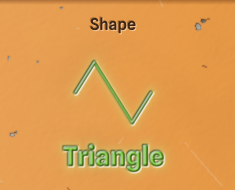
The modulation source that drives the sweep.
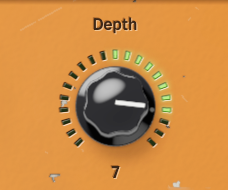
How far the sweep travels. At 0 the phaser sits still; towards either end the notches cover the full range, from below 100 Hz up to several kilohertz. Around 6 matches the swing of the original pedal; the default 7 is a little wider.
Depth is bipolar. In Triangle and Stepped the sign makes no audible difference. In Ramp and Barber it sets the direction: positive sweeps upward, negative sweeps downward.
In Envelope the sign also sets where each sweep starts:
The panel shows whole numbers; the knob itself moves in steps of 0.1, which the LED ring shows between them.
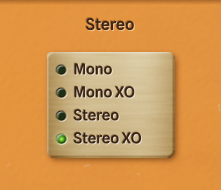
Sets how the two channels relate, and whether the low end is protected.
These settings describe the modulation, not the signal. Cursive processes each channel separately, so if something upstream is already in stereo — a panner, a stereo reverb, Cognate Hologram — that width comes through intact and Cursive's movement is layered on top, whichever setting you pick. From a mono source, the two Stereo settings are what create the width in the first place.
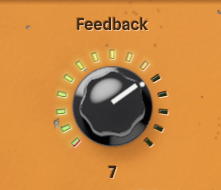
Feeds the phased signal back through the stages. Low settings keep the notches clean and hollow. From the middle of the knob up, the peaks between the notches grow into a resonance that gives the sweep a vocal, singing edge, and over the last quarter the mix leans towards that resonance for the most dramatic setting. The loop is bounded, so it never runs away into oscillation: maximum is intense but controlled. The default 7 is clearly resonant without dominating. Like Depth, the panel shows whole numbers while the knob moves in steps of 0.1.
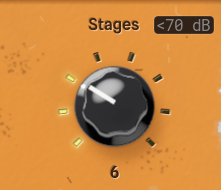
Number of all-pass stages, which sets how many notches sweep through the sound: two stages give one notch, four give two, and so on.
Changing Stages while playing is click-free. In Barber, the stages are shared between the two overlapping sweeps.