Loaders & Utilities
Cognate Tuner Manual
Version v1.00 · 01/10/2026
| Category | Loaders & Utilities |
| Channels | Mono in / mono out |
| Version | 1.00 (01/10/2026) |
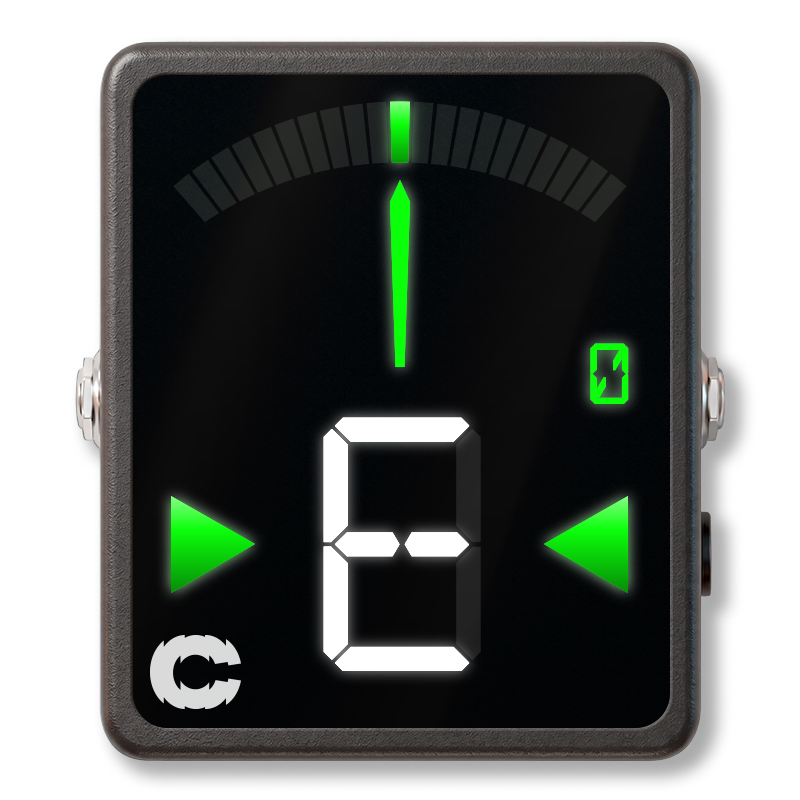
Cognate Tuner is a free, always-on chromatic tuner that sits in your preset's signal chain, so you can check your tuning at a glance while you play, with no need to open the Anagram's own tuner. The block itself is the display: the note, a needle on a colour-changing scale, arrows and a cents readout, bright enough to read with the chain zoomed in or out. Open the block for a bigger display with a readout to a tenth of a cent and a strobe. Your signal passes through untouched, or you can mute it for silent tuning.
The block in your chain is the tuner's main display.
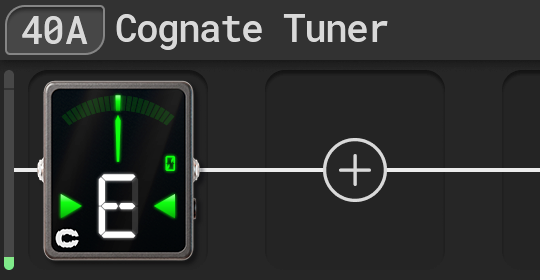
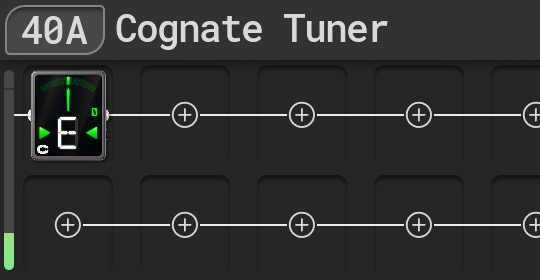
For best results, put Cognate Tuner as the first block in your signal chain, before distortion/amp/modulation blocks. That will give it the purest signal to work with for the most accurate results.

Full panel layout

Turns the tuner on and off. Bypassed, the display switches off, the tuner stops listening (so it uses almost no CPU), and your signal passes straight through, even with Audio set to Mute.
That makes Bypass the one to bind to a footswitch. With Audio on Mute, switching the tuner on silences your bass while you tune, and switching it off brings your sound back. With Audio on Pass, the footswitch simply shows and hides the tuner.
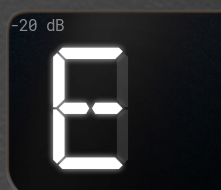
The nearest note, large: the same note the block shows. When the string stops it stays on screen, dimmed, for a few seconds, so you can still check it after the note has died away.
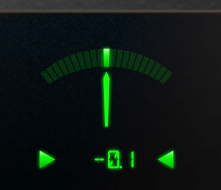
A needle on an arc, with the arrows either side of a readout in cents. The arrows work just as they do on the block.
Within 5 cents of the note the readout shows tenths of a cent. Further out it shows whole cents, and past 50 cents the needle rests at the end of the scale. On a steady note the tenths hold still so you can read them; turn the peg and the readout follows at once.
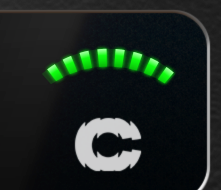
Stripes that run along the arc: to the right when you're sharp, to the left when you're flat, and faster the further out you are, up to a limit. They stop when you're in tune.
A strobe shows drift that's too small for a needle. A tenth of a cent out, the stripes still creep, taking about ten seconds to move on by one stripe. It's the display to watch when you're setting intonation or want a string exactly on the note.
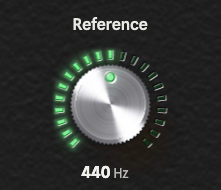
The pitch of A that every note is measured against. 440 Hz is concert pitch. Set a different value to tune with an instrument that isn't at 440, such as a piano tuned a little high or an orchestra at 442 Hz. The note and cents on every display follow it.
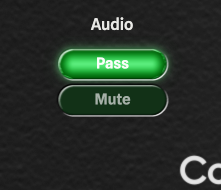
Whether your signal goes on through the chain while you tune.